QUICK ANSWER
The short version
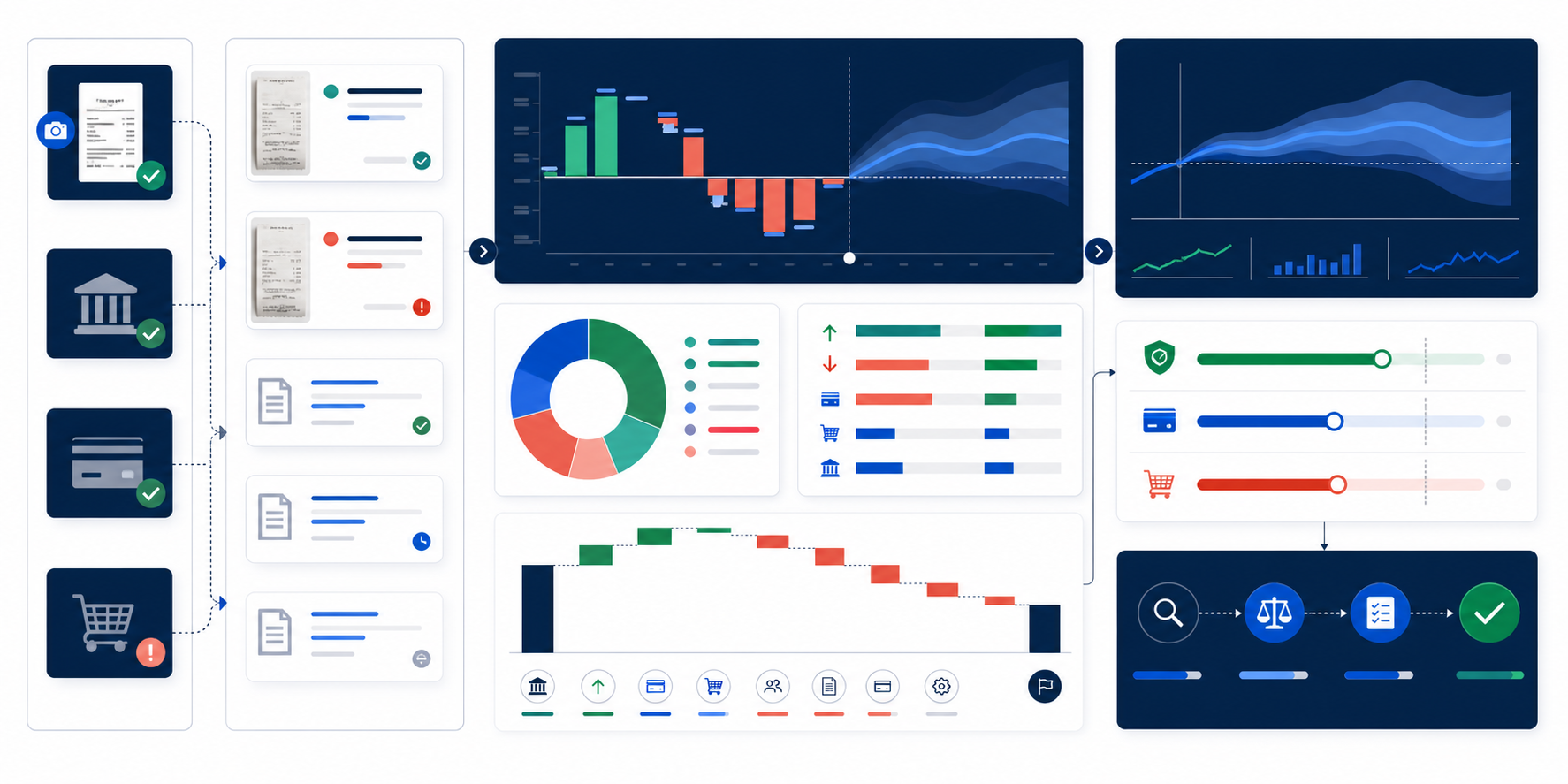
Start with a processor payout and its batch or payout ID. Match the payments and refunds in that batch to the point-of-sale records, then account for the fees and signed adjustments shown by the provider. Compare the resulting net payout with the bank deposit. Record unsettled or unmatched amounts for review rather than booking the deposit as another sale.
 Vanteloq guideA practical way to read this guide
Start with a processor payout and its batch or payout ID. Match the payments and refunds in that batch to the point-of-sale records, then account for the fees and signed adjustments shown by the provider. Compare the resulting net payout with the bank deposit. Record unsettled or unmatched amounts for review rather than booking the deposit as another sale.
An educational character, not professional accounting or legal advice.1. Pull three records for the same payment activity
Start from the payout detail rather than matching a sales-day total against a bank line. One payout can include more than one sales date. Use the store's Edmonton local business date for the shift close and keep the provider's timestamp and payout date separately. A provider's reporting cutoff or time zone may put a late payment in another batch.
| Record | What to use |
|---|---|
| Point of sale | Payment detail by location, tender and transaction reference. Separate cash, card and other tenders. |
| Payment processor | Payout ID, included charges and refunds, fees, adjustments, currency and status. |
| Bank | Posted amount, posting date and reference for the receiving account. |
2. Explain the difference between card collections and the net deposit
In a fictional Canadian-dollar batch, captured card payments total $1,840. The processor detail lists a $120 refund, $51 in fees and a $30 reserve hold. The expected deposit is $1,639. If the bank posts that amount and its reference fits the payout, mark the deposit matched.
Use the provider's signs and definitions. If the amount you start with is already net of refunds, do not subtract refunds again. A reserve release can increase a later payout, and a dispute or adjustment can change the total. Keep each reason visible in the review. Card collections can also include sales tax or tips, so neither gross card collections nor the net deposit is a substitute for the store's revenue figure.
All figures are fictional. Use the actual payout detail for your processor and receiving account.
3. Distinguish a timing difference from an exception
- Check the provider's payout status and account. A pending payout should remain open until there is bank evidence.
- Confirm the date range, store, currency and payout reference. Two deposits of the same amount can belong to different locations or batches.
- Check refunds, late captures, reserves, disputes and adjustments against the provider's detail. If the bank shows $1,624 instead of $1,639, the $15 difference remains open until there is evidence to explain it.
- Record the payout ID, amount, evidence reviewed, open difference, assigned owner and next review date. Escalate according to your business's policy if the discrepancy or delay persists.
4. Make the review part of your store close
Have the closing lead verify that the POS tenders and refunds belong to the right shift, then hand off the batch or payment references. Have the finance reviewer check provider and bank activity as it arrives. Store reports in the approved finance workspace and avoid copying card numbers or customer details into the exception log.
Square Canada explains how to find the payments in a transfer. Shopify Payments shows transactions and adjustments by payout and provides exports. Use the equivalent reports for your processor. For ledger entries, tax treatment or a correcting entry, follow your approved bookkeeping policy and review exceptions with your accountant.
5. Carry unresolved payouts across month end
Keep a dated list of payments awaiting settlement and of payouts sent but not yet posted at the bank. When a deposit arrives in the next period, match it back to its original batch and close that open item. If an amount stays outstanding or the provider reports a failed transfer, retain the exception with the evidence and owner. The month-end review should explain the open balance rather than hide it in a catch-all adjustment.
Sources and further reading
These sources support the operational, financial, platform or technical boundaries discussed in this guide. They are not endorsements of Vanteloq.
- Match Transfers to SalesSquare Support Canada
- Viewing and exporting Shopify Payments payout detailsShopify Help Center
- Payouts and settlement times with Shopify Payments in CanadaShopify Help Center